Prompting AI Video Tools with Cinematography: Shot, Lens and Lighting Language for Filmmakers
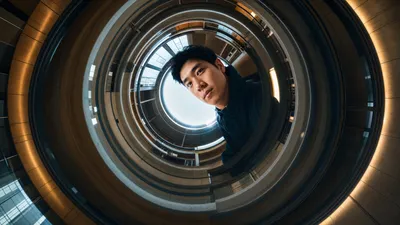
Image source: How to Control Camera Movement, Angles and Shots in AI Video
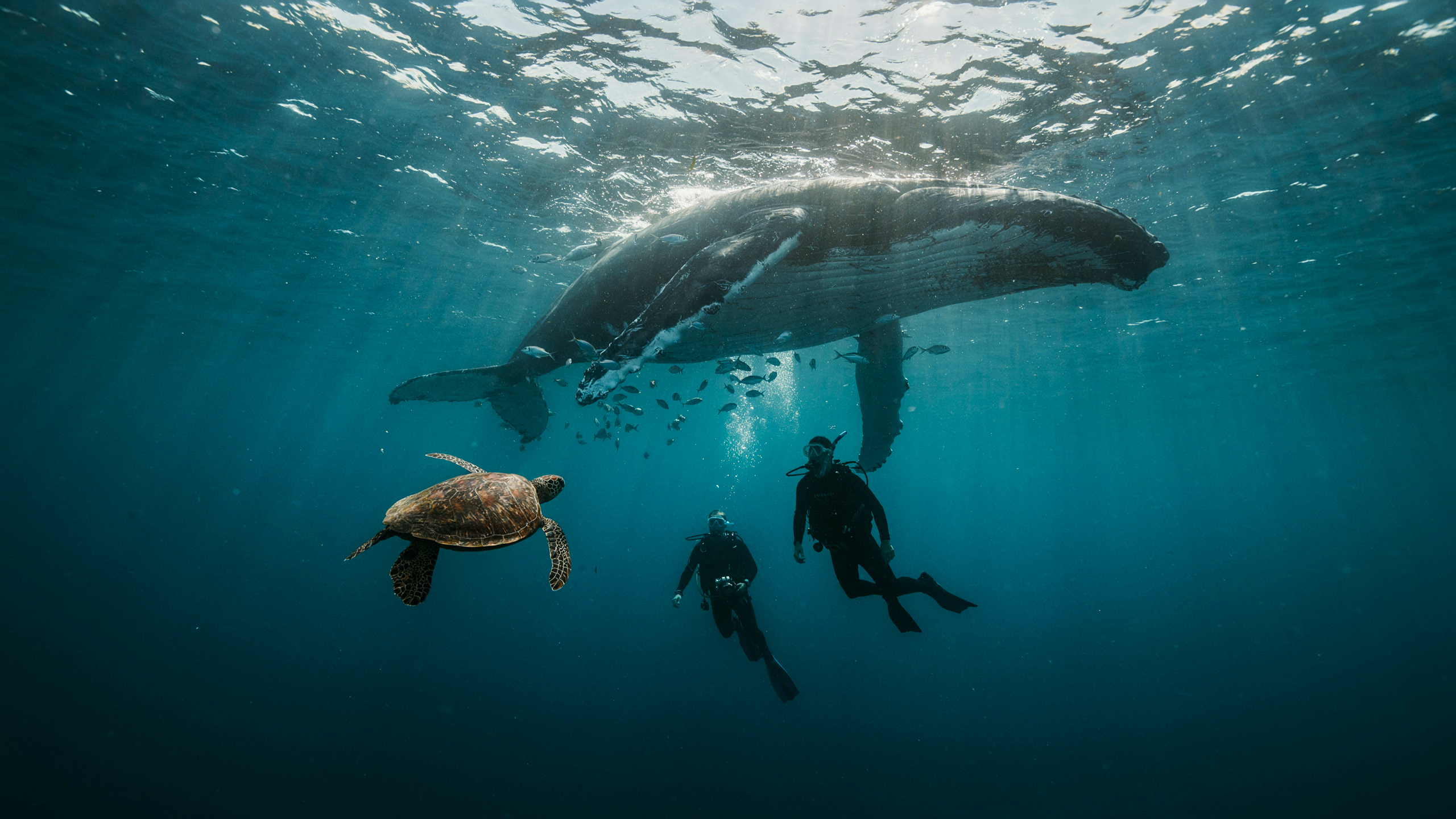
Image source: Runway Resources | Image to video guide: how to turn a photo …

Image source: Prompt Design - Akira Nakayasu / Lectures
Prompting AI video with cinematography language
Treat the prompt as a shot brief, not a pile of film jargon. The most reliable prompts say what the viewer sees, what the subject does, how the camera moves, and what changes by the end of the clip. Google’s Veo guide organizes those choices as cinematography, subject, action, context, and style; Runway similarly recommends concrete framing, movement, speed, and a purpose for the move. 1, 2
Build the shot
A useful text-to-video template is:
[Shot size and angle]. [Camera move, direction, and pace] as [subject] [one clear action] in [setting]. [Focus and lighting]. [What the move reveals or emphasizes].
For example:
Medium shot at eye level. The camera tracks alongside a cyclist at a steady pace as she rides through a rain-soaked street at dusk. Reflections shimmer on the pavement; her face stays in focus while the background falls softly out of focus.
“Tracks alongside” tells the tool how camera and cyclist relate. “At a steady pace” controls timing. Those instructions do more work than simply asking for a “dynamic, cinematic shot.” Runway specifically recommends stating the relationship between camera and subject when both move. 2
A strong prompt usually contains four practical decisions:
- Framing: wide, medium, close-up, over-the-shoulder, insert, or an extreme close detail.
- Angle: eye level, low angle, high angle, top-down, or dutch tilt.
- Movement: static, pan, tilt, push-in, pull-back, truck, track, crane, orbit, handheld, or zoom.
- Purpose: reveal the room, isolate the face, follow the walk, expose scale, or land on a key detail.
That last part matters because motion without intention tends to produce generic motion. A slow push-in toward a character’s face does not only “move closer”; it adds pressure, narrows attention, and creates a natural endpoint for the shot.
Choose the right term
| What you want | Prompt language |
|---|---|
| Show the setting | “Wide establishing shot” |
| Emphasize a reaction | “Close-up; slow push-in toward the face” |
| Follow someone walking | “Tracking shot following the subject, matching their pace” |
| Reveal something off-screen | “Slow pan right to reveal the doorway” |
| Shift attention without moving the camera | “Locked-off shot; rack focus from the foreground glass to the person behind it” |
| Let action carry the scene | “Static, locked-off camera; only the subject moves” |
A pan pivots the camera from a fixed position; a tilt pivots it vertically; a dolly or truck moves the camera through space; a zoom changes magnification without moving the camera. Use the term that matches the visible result, then name its direction or destination. 2, 3
Common camera-language mistakes
Several prompt phrases sound cinematic but stay too vague for useful generation:
- “Cinematic” by itself tells the model almost nothing.
- “Dynamic camera” can mean a whip pan, a handheld drift, an orbit, or a push-in.
- “Beautiful lighting” does not define direction, contrast, or color.
- “Epic reveal” leaves the reveal unassigned unless the prompt says what comes into view.
Clearer wording usually wins. “Slow lateral track past a storefront window” is more specific than “cool moving shot,” because it defines path, speed, and scene relationship.
Light the scene, not just the subject
Lighting language should describe the source, direction, quality, and mood of light. The most useful words are the ones that imply a visible result:
- Soft window light for gentle wrap and lower contrast.
- Hard top light for sharp shadows and a more graphic look.
- Backlight or rim light to separate the subject from the background.
- Practicals for lamps, screens, signs, candles, or other visible sources inside the frame.
- Motivated lighting when the source should feel like it belongs in the scene.
Color also matters. “Blue neon spill from camera left” and “warm tungsten practicals in the background” tell the model more than “moody color palette.” If the scene needs a specific contrast, state it plainly: cool exterior with warm interior, daylight with sodium streetlight accents, or neutral skin tones under overcast skies.
For close work, depth of field can be part of the lighting and lens description. A shallow-focus portrait with soft falloff behaves very differently from a deep-focus room where every object stays readable.
Adapt to the input
For text-to-video, describe the scene as well as its motion: subject, setting, composition, lighting, and action all need to come from the prompt. For image-to-video, the supplied image already establishes much of the appearance, so concentrate on what happens next—subject motion, camera motion, and pacing. 4
flowchart LR A["Choose the subject and action"] --> B["Set framing and angle"] B --> C["Specify camera motion and pace"] C --> D["Tie motion to a reveal or focal point"] D --> E["Generate and inspect"] E --> F["Change one unclear instruction"] F --> EImage-to-video prompts tend to work best when they respect the still frame. If the source image is a centered portrait, asking for a chaotic 360-degree orbit often fights the composition already present. A gentle push-in, subtle head turn, drifting steam, or moving light source usually preserves the still image’s structure while adding believable motion.
Add lens language only when it helps
Lens terms can improve prompt precision when the output needs a specific perspective or feel. A wide lens suggests more environment and stronger spatial perspective; a telephoto lens compresses distance and isolates the subject; a macro-style close-up suggests detail and tight framing. A “35mm lens look” usually feels more environmental than an “85mm portrait look,” even when the model is only approximating the idea rather than simulating exact optics.
Depth of field is often more useful than focal length alone. “Shallow depth of field, background softly blurred” gives the generator a clearer image than “85mm lens,” because it describes the visible effect. In many prompts, that effect matters more than the exact lens number.
A practical lens recipe is:
- Wide-angle street scene: wider framing, deeper context, more perspective feel.
- Normal portrait: natural relationship between subject and environment.
- Telephoto close-up: compressed background, softer separation, stronger isolation.
Refine without overloading
Start with one intelligible shot. If an orbit, crane move, push-in, and several subject actions compete in the same brief, simplify the move or describe distinct phases by what comes into view. If the result drifts, specify a locked-off camera and identify what does move in the frame. Keep prompt wording consistent with any separate camera-control settings the tool provides. Then revise the particular instruction the output missed rather than adding more adjectives everywhere. 2, 3, 4
A useful revision order is:
- Fix the shot size if the framing is wrong.
- Fix the camera motion if the camera behaves unpredictably.
- Fix the subject action if the scene feels empty.
- Fix the lighting and setting if the mood or readability is off.
- Fix the pace if the clip feels rushed or sluggish.
That sequence keeps the prompt close to cinematography practice: framing first, movement second, performance third, and look last.
A practical prompt pattern
One compact formula covers most AI video shots:
Wide/medium/close shot, angle, camera move and speed, subject action, setting, light, and intended reveal.
Example:
Close-up at eye level. Slow push-in as a mechanic wipes grease from her hands in a dim garage. Overhead fluorescent light creates hard reflections on metal; a warm practical lamp glows in the background. The move ends on her face as she looks up.
That prompt works because each clause answers a different production question. It states what the camera sees, how it moves, what the subject does, what light motivates the look, and what the shot is ultimately about.
Quick checks before generating
A prompt is usually strong when it can be read like a shot list line:
- The subject is obvious.
- The action is singular.
- The camera move is named.
- The light has a source or quality.
- The end point of the move is clear.
If any of those are missing, the model has room to improvise. In AI video, that improvisation often shows up as drifting framing, muddled motion, or generic “cinematic” atmosphere. Clear cinematography language narrows the possibilities and makes the result easier to predict.