
Mastering the Cinematic Aesthetic: Elevate Your Film in Post-Production
Image source: Build your cinematic look (post production)
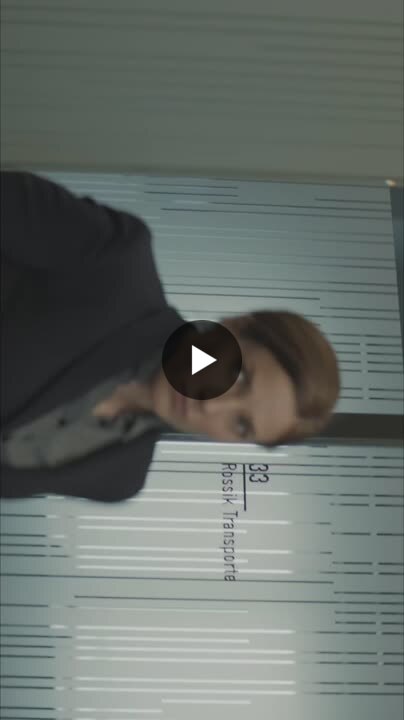
Image source: How to Create a Film Look: Tips and Tricks
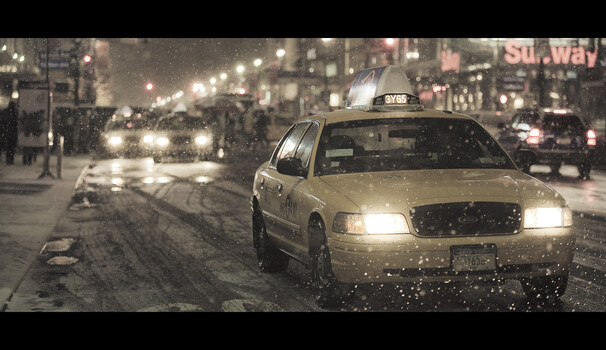
Image source: How To Make Your Photographs Look Like Films
Creating a cinematic film look in post-production revolves around color grading to emulate film contrast, then layering subtle film-specific effects. Here’s the professional workflow:
1. Set the Widescreen Aspect Ratio
Crop to a film-style ratio like 2.39:1 (common for modern cinema), 1.85:1, or 1.66:1 by changing your timeline resolution (e.g., 1920×817 for 2.39:1). 1, 2
2. Adjust Contrast & Midtones
Digital footage has harsh contrast. Use curves or Lift/Gamma/Gain:
- Pull down midtones 1–2 stops to make the image look underexposed
- Lift shadows slightly to soften blacks
- This creates film’s richer, softer contrast in mid/lower tones 2, 3, 1
3. Roll Off Highlights
Digital highlights clip harshly. Use Soft Clip (DaVinci) or similar to smoothly roll off overexposed areas, preserving color in upper-mid tones. 2
4. Color Balance Subtly
Avoid heavy stylization. Add:
- Slight red to shadows
- Green/yellow to midtones and highlights This mimics organic film stock colors. 2
5. Softens the Image
Digital 4K+ is too sharp. Add a blur effect (e.g., DaVinci blur at ~0.50–0.52) to soften the image. Adjust based on desired film gauge (more blur for Super 16mm, less for 35mm). 1, 2
6. Add Film Grain
The #1 most identifiable film trait. Use:
- Built-in Film Grain plugin (DaVinci: 16mm 250D preset, opacity 0.7, size 0.6, strength 0.3)
- Or overlay real film grain scans Keep it subtle (~10% below what looks “right”). 4, 1, 2
7. Additional Cinematic Effects (optional but effective)
| Effect | Purpose |
|---|---|
| Halation | Red glow around bright highlights (film emulation) 4 |
| Bloom/Glow | Soft highlight diffusion 3, 5 |
| Vignette | Guides attention, adds drama 1 |
| Depth of Field | Slight background blur to emulate shallow focus 1 |
8. Sound Design & Music
Cinematic feel isn’t just visual:
- Add ambient sounds, foley, and immersive soundscapes
- Use EQ, compression, reverb for audio depth
- Select music that enhances emotional impact 1
Key Principle
Effects polish good footage—they won’t fix poor footage. Start with strong lighting, composition, and 24fps shooting with a 180° shutter. 6, 4
References
-
Answers to: How can you create a cinematic look during post-production
-
What are the common things to do in post to make your film more cinematic?
-
Here’s a great guide on how to create a cinematic film look to …