
The Ultimate Guide to Previz Software for Independent Filmmakers
Image source: GAME-CHANGING Pre-Vis Tool for Indie Filmmakers | Previs Pro …
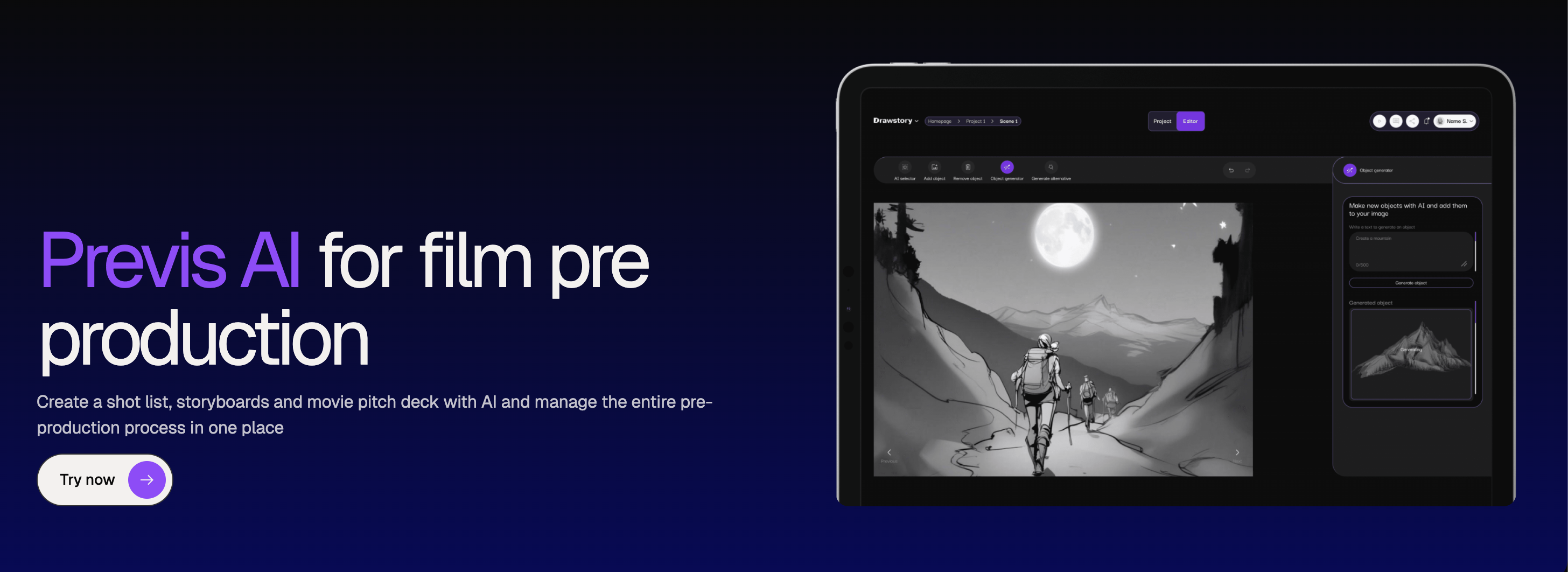
Image source: Shotdeck (AI Shot Research)

Image source: What is Previs? An Overview of the Types of Previsualization
For independent filmmakers, the strongest previs options are usually a mix of storyboard-first tools, mobile-friendly shot-planning apps, and real-time 3D software. The best fit depends on whether you need fast storyboards, accurate camera blocking, or full scene simulation. 1, 2, 3
Good choices by use case
- Previs Pro: Best for indie-friendly storyboard, shotlist, and animatic work on iPhone, iPad, and Mac; it supports scripts and timeline-based planning in a compact workflow. 2
- Blender: Best free option if you want full 3D previs and are comfortable with a more technical setup; it’s often recommended for previs, camera blocking, and animation-heavy work. 3, 4
- Unreal Engine: Best when you want real-time 3D previs with higher visual fidelity; it’s commonly used for previs and virtual production, and is free for most film uses. 3
- Cine Tracer / similar camera-focused tools: Good for directors and DPs who want a more intuitive, filmmaking-oriented environment for blocking shots and testing lenses. 4, 5
- AI storyboard tools like Drawstory or Katalist: Useful when you want to turn scripts into visuals quickly without building scenes manually; these are especially helpful in early planning and pitch development. 3
Best fit by budget
- No/low budget: Blender or free tiers/trials of AI tools are the safest starting point. 3
- Small paid budget: Previs Pro is attractive because it is built for independents and focuses on practical planning rather than studio complexity. 1, 2
- More technical or ambitious blocking: Unreal Engine gives you the most headroom if you’re willing to learn a heavier toolchain. 3
Practical recommendation
If you want the simplest path, start with Previs Pro for shotlists, storyboards, and animatics, then move to Blender or Unreal Engine only if you need more detailed 3D blocking. If your priority is speed over realism, an AI storyboard tool can get you to a visual draft fastest. 2, 3
What to avoid
Very complex studio previs workflows can slow down indie projects more than they help unless you already have a 3D-savvy team. For most independent filmmakers, the sweet spot is a tool that improves planning without turning preproduction into a second production. 6, 7
References
-
GAME-CHANGING Pre-Vis Tool for Indie Filmmakers | Previs Pro …
-
What is Previs? An Overview of the Types of Previsualization
-
GAME-CHANGING Pre-Vis Tool for Indie Filmmakers | Previs Pro Tutorial
-
Previz on a Budget: A Guide for Indie Filmmakers - Filmvision AI
-
How to Master Film Previsualization: A Money-Saving Guide for Producers