Mastering Virtual Production: A Budget-Friendly Guide for Indie Filmmakers

Image source: Virtual Production Revolution: AI Tools for Independent …
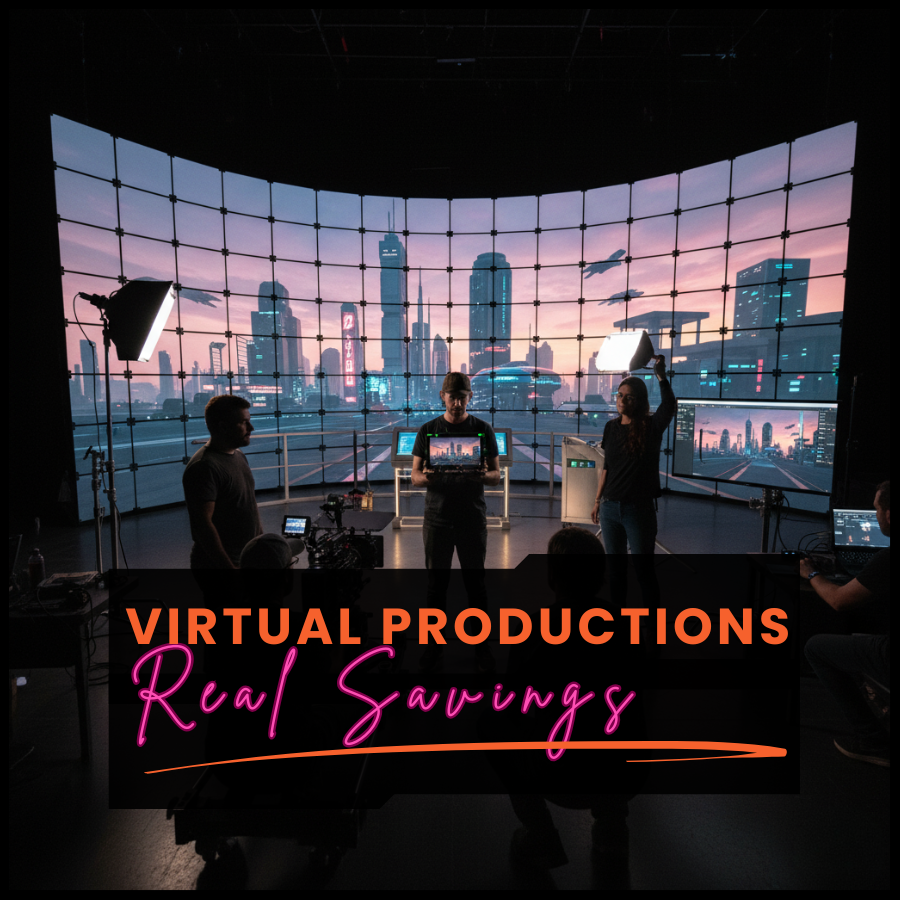
Image source: Virtual Production for Independent Filmmakers

Image source: HIGH: Virtual Production on an Indie Film Budget
Virtual production is now affordable for indie filmmakers by combining free game engines, green screens (instead of expensive LED walls), and AI tools that cut costs by up to 70%. 1, 2
Core Budget Setup (Under ~€1,000–€3,000)
| Component | Budget Option | Why It Works |
|---|---|---|
| Engine | Unreal Engine 5 (free) | Photorealistic real-time rendering; huge free asset library 2, 3 |
| Background | Green screen + Unreal | Replaces costly LED volumes; works with motion tracking 4, 3 |
| Camera Tracking | Rokoko SmartSuit Pro or phone apps | Affordable mocap for camera/character movement 2 |
| LED (optional) | Portable LED panels (small) | Dynamic backgrounds synced to Unreal; start small 5, 2 |
| AI Tools | Reelmind.ai (~€200/month) | AI-generated sets, auto-editing, virtual scouting; saves 70% 1 |
5 Smart Strategies for Indie Budgets
-
Start with Previsualization (Previs)
Build basic assets and storyboards in Unreal before shooting—this doesn’t cost much and prevents wasted time. 5, 6 -
Use LED Screens Strategically
If you want LEDs, use a few portable panels instead of a full volume; blend with practical elements. 2, 5 -
Blend Practical + Virtual
Shoot real props/sets in front of green screen, layer digital backgrounds in Unreal—cheaper than building everything physically. 1, 5 -
Rent or Build DIY
Rent mobile green screen VP services (some come to your location) instead of buying equipment; or build DIY setups with household items. 4, 2 -
Leverage Free/Open-Source Assets
Unreal Engine has vast free 3D models, textures, and templates; communities share assets online. 2
AI-Powered Advantages (2025–2026)
- AI-generated environments: Replace physical sets with dynamic digital backdrops 1
- Text-to-Storyboard: Convert scripts to animated storyboards via prompts 1
- Virtual Scouting: AI generates 3D location mockups from images—no location scouting costs 1
- Smart lighting: Auto-adjust virtual lights to match live footage 1
- Facial mocap: Use smartphone cameras for character animation 1
Real Example: Micro-Budget Short Film
A short film “Therapy” was made using a custom set + Unreal Engine environments on a micro budget, testing a university’s LED screen and proving indie features can work with VP. 7
References
-
Virtual Production: Democratizing Filmmaking for Low-Budget Creators
-
Cutting-Edge Green Screen Virtual Production for Indie Filmmakers
-
The Future of Indie Filmmaking? - Virtual Production on a Micro Budget - BTS - Behind the Scenes
-
HIGH (or how to use Virtual Production on an indie film budget)
-
Harnessing the Power of Virtual Production for Indie Filmmakers
-
How The Family + Choreografx are introducing virtual production to indie filmmakers