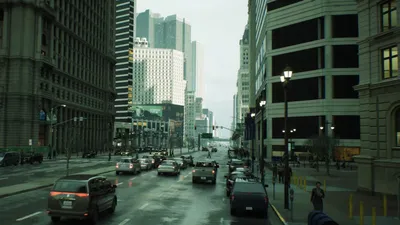
Kickstart Your Virtual Production Journey with Unreal Engine
Image source: Unreal Engine - Virtual Production and Composure In …
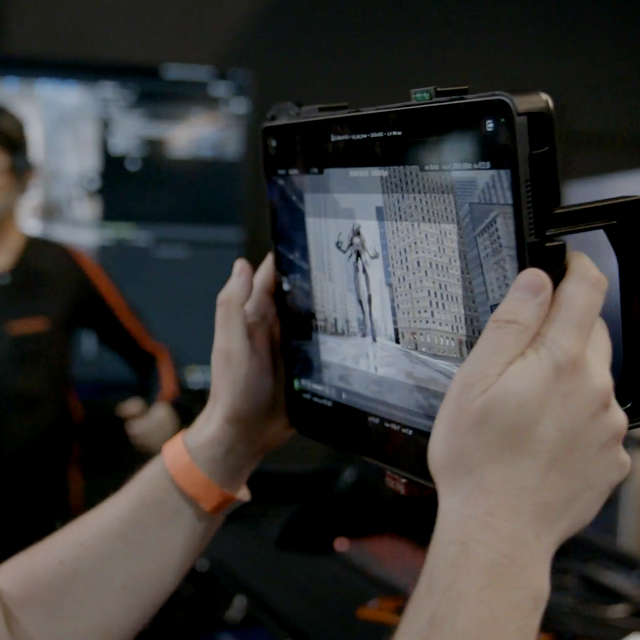
Image source: Virtual Production Visualization Guide | Learning path
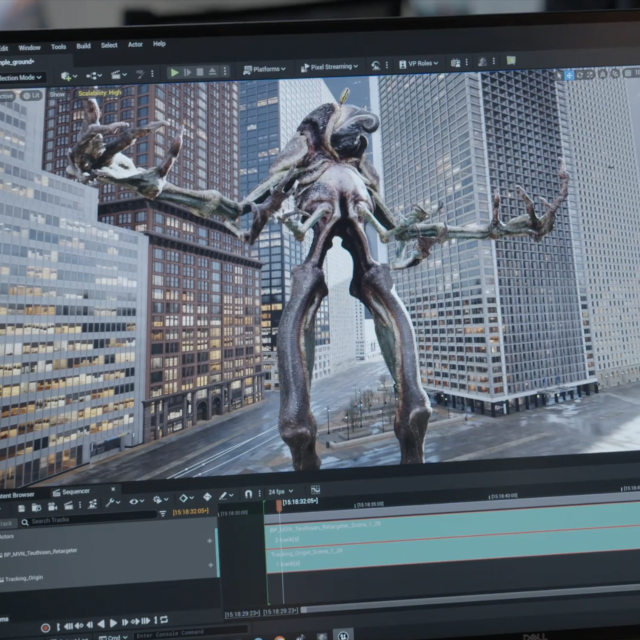
Image source: Virtual Production Visualization Guide - Chapter 1
To get started with Unreal Engine for virtual production, begin with Epic Games’ free Virtual Production Primer (15 hours of curated content) that covers Unreal Editor fundamentals, real-time rendering, and core virtual production principles. Then build your setup step-by-step: 1, 2
1. Learn the Essentials First
| Resource | What You’ll Learn |
|---|---|
| Virtual Production Primer (free) | Unreal Editor, projects/file structure, real-time rendering fundamentals, sequencer for virtual production 1, 2 |
| Your First Hour with Unreal Engine | UI basics, getting oriented (1hr 3min) 1 |
| Real-Time Rendering Fundamentals | Performance & design considerations (29min) 1 |
Access the Primer at: Unreal Online Learning (create a free Epic account). 2
2. Start with a Simple Software-Only Setup
Before buying hardware, build a test project:
- Create a realistic landscape or interior scene using free Quixel/Megascans assets 3
- Set up lighting, fog, atmosphere, and post-processing volume 3
- Add and animate virtual cameras using the Level Sequencer 3
- Render animations to movie format 3
3. Add Live Camera Tracking (When You Have Budget)
For real-time green screen compositing, you need:
| Component | Low-Cost Option | Professional Option |
|---|---|---|
| Camera | Webcam or smartphone | Blackmagic Pocket Cinema Camera 4K 4 |
| Tracker | Virtual Camera Plugin on iPad Pro 5 | Retracker Bliss, MoSys Startracker, or stype 4, 6 |
| Capture Card | HDMI capture | Blackmagic DeckLink Duo 2 4 |
| Keyer/Compositor | DaVinci Resolve Fusion (camera track → FBX → Unreal) 7 | Ultimatte 12 HD for live compositing 4, 6 |
| Sync | — | Blackmagic Sync Generator (genlock signals) 4 |
Key setup principle: Connect tracker to Unreal via LiveLink plugin for real-time camera tracking. 4
4. Master Composure (Unreal’s Compositing Tool)
The critical concept: understand Inputs (video feed) and Outputs (composite output) in Composure—once you grasp this, LED screen output or green screen compositing becomes straightforward. 8, 9
5. Recommended Next Steps
- Download Unreal Engine 5 and complete the Virtual Production Primer 1
- Build your first virtual scene (landscape or interior) 3
- Watch Cinecom’s “Ultimate Beginners Guide to Virtual Production in UE5” (free tutorial) 10
- For hardware setup: watch “Full Unreal Engine Virtual Production Course” (2025, covers wiring, calibration, keying) 6
Since you’re in Berlin, you might also check if local film schools or makerspaces have virtual production setups you could access for hands-on practice before investing in equipment.
References
-
Mastering Virtual Production: The Ultimate Unreal Engine Workflow PANDHAN
-
Full Unreal Engine Virtual Production Course | Camera Tracking, Real-Time Keying & Pro Setup
-
Green Screen Camera Tracking SECRETS (and a LIE!) - DaVinci to Unreal Engine WORKFLOW
-
Virtual Production Getting Started Guide - Unreal Engine - Motion Forge Pictures
-
Ultimate Beginners Guide to Virtual Production in Unreal Engine 5
-
Course: Virtual Production Visualization Guide - Chapter 1 - Fundamentals
-
BTS of NEW Unreal Engine 5 Tutorial: Intro to Virtual Production
-
Unreal Engine 5 Beginners Project Based Course Overview (3D Virtual Production)
-
Exploring Virtual Production with Unreal Engine: A Comprehensive Guide